

Guida · API REST
Generare un documento Word da JSON
Mantenga il documento modificabile. La stessa chiamata che renderizza un PDF restituisce un DOCX se lo richiede: il Suo template Word, il Suo JSON, una richiesta, un file Word che i Suoi utenti possono ancora cambiare.
Quando il cliente vuole Word, non PDF
- Contratti, offerte e lettere si negoziano: un PDF chiude la conversazione, un DOCX la tiene aperta.
- Costruire DOCX nel codice significa parti XML e librerie OpenXML; chi cura il template non può intervenire sul risultato.
- Un'API solo PDF impone un secondo strumento per la copia modificabile, con due layout da tenere allineati.
La richiesta
Stesso trasporto della chiamata PDF, format=DOCX. Campi scalari come coppie nome/valore, regioni ripetute sotto lists. L'estensione del file viene riscritta in .docx.
TOKEN=$(curl -sS https://auth.xgenerate.io/realms/xgenerate/protocol/openid-connect/token \
  -d grant_type=client_credentials \
  -d client_id="$XGENERATE_CLIENT_ID" \
  -d client_secret="$XGENERATE_CLIENT_SECRET" | jq -r .access_token)

cat > fields.json <<'JSON'
{
  "fields": [
    { "name": "customer.name",    "value": "Lumière Logistique SARL" },
    { "name": "offer.number",     "value": "OF-2026-118" },
    { "name": "offer.validUntil", "value": "30.11.2026" }
  ]
}
JSON

# Same call as for a PDF; only the format differs.
curl -sS https://api.xgenerate.io/v2/documents/generate \
  -H "Authorization: Bearer $TOKEN" \
  -F "file=@offer-template.docx" \
  -F "fields=@fields.json;type=application/json" \
  -F "format=DOCX" \
  -o offer.docx
Da .NET
using System.Net.Http.Json;

using var http = new HttpClient();
http.DefaultRequestHeaders.Authorization = new("Bearer", token);

var request = new
{
    filename = "offer-template.docx",
    content = Convert.ToBase64String(await File.ReadAllBytesAsync("offer-template.docx")),
    format = "DOCX",
    fields = new
    {
        fields = new[]
        {
            new { name = "customer.name", value = "Lumière Logistique SARL" },
            new { name = "offer.number", value = "OF-2026-118" }
        }
    }
};
var response = await http.PostAsJsonAsync(
    "https://api.xgenerate.io/v2/documents/generate", request);
response.EnsureSuccessStatusCode();

// result.Filename is "offer-template.docx": the extension follows the resolved format.
var result = await response.Content.ReadFromJsonAsync<GenerateResult>();
await File.WriteAllBytesAsync("offer.docx", Convert.FromBase64String(result!.Content));

record GenerateResult(string Filename, string Content, string Format);
La risposta
La chiamata multipart restituisce il DOCX con Content-Type application/vnd.openxmlformats-officedocument.wordprocessingml.document. Il trasporto JSON restituisce filename, content, format e warnings, con il file codificato in base64 in content.
Il risultato
Cosa XGenerate non fa
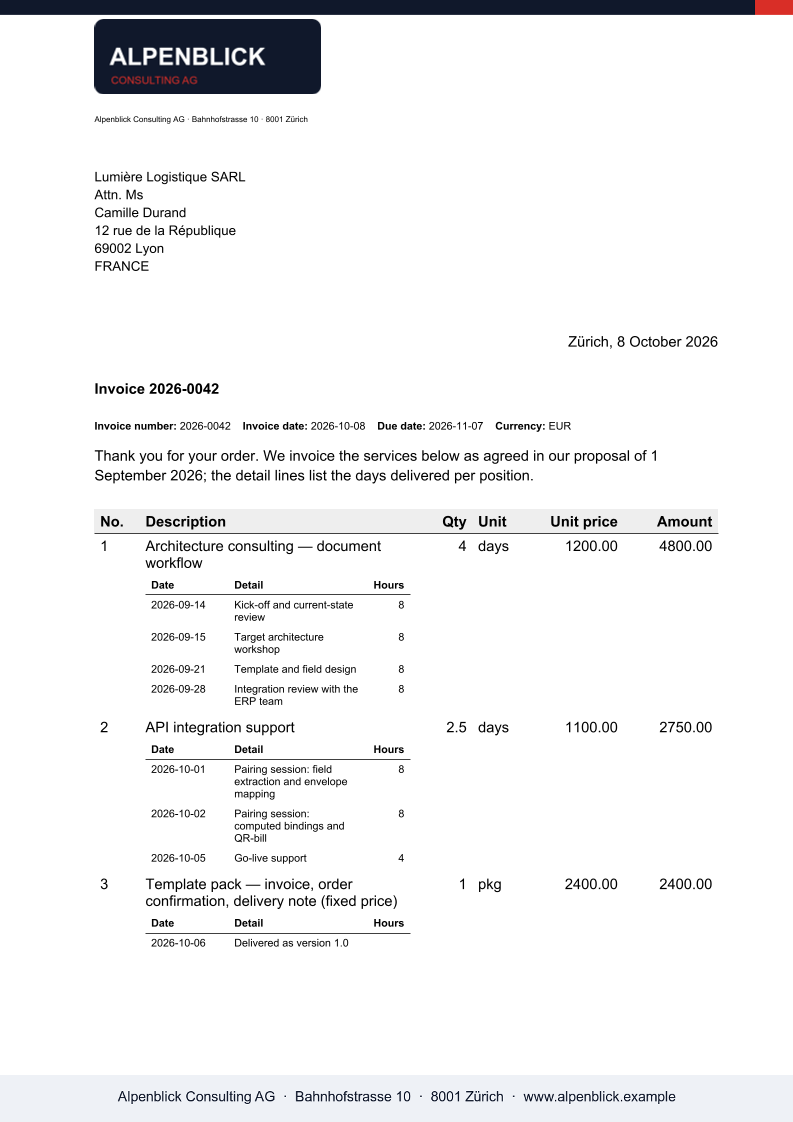
Il DOCX mantiene gli stili del template e i campi compilati come testo; la parte QR-fattura svizzera esiste solo in PDF e viene segnalata con un avviso nell'output DOCX.
Lo provi sul Suo template
Ci invii un file Word che usa oggi. Lo renderizziamo con i Suoi dati e Le restituiamo il PDF insieme al template adattato, così la Sua valutazione non deve aspettare noi.
Richiedi una demo