

Guide · REST API
Generate a Word document from JSON
Keep the output editable. The same call that renders a PDF returns a DOCX when you ask for it: your Word template, your JSON, one request, a Word file your users can still change.
When the customer wants Word, not PDF
- Contracts, offers and letters are negotiated: a PDF ends the conversation, a DOCX keeps it open.
- Building DOCX files in code means XML parts and OpenXML libraries; the template owner cannot touch the result.
- A PDF-only API forces a second tool for the editable copy, with two layouts to keep in sync.
The request
Same transport as the PDF call, format=DOCX. Scalar fields as name/value pairs, repeating regions under lists. The filename extension is rewritten to .docx.
TOKEN=$(curl -sS https://auth.xgenerate.io/realms/xgenerate/protocol/openid-connect/token \
  -d grant_type=client_credentials \
  -d client_id="$XGENERATE_CLIENT_ID" \
  -d client_secret="$XGENERATE_CLIENT_SECRET" | jq -r .access_token)

cat > fields.json <<'JSON'
{
  "fields": [
    { "name": "customer.name",    "value": "Lumière Logistique SARL" },
    { "name": "offer.number",     "value": "OF-2026-118" },
    { "name": "offer.validUntil", "value": "30.11.2026" }
  ]
}
JSON

# Same call as for a PDF; only the format differs.
curl -sS https://api.xgenerate.io/v2/documents/generate \
  -H "Authorization: Bearer $TOKEN" \
  -F "file=@offer-template.docx" \
  -F "fields=@fields.json;type=application/json" \
  -F "format=DOCX" \
  -o offer.docx
From .NET
using System.Net.Http.Json;

using var http = new HttpClient();
http.DefaultRequestHeaders.Authorization = new("Bearer", token);

var request = new
{
    filename = "offer-template.docx",
    content = Convert.ToBase64String(await File.ReadAllBytesAsync("offer-template.docx")),
    format = "DOCX",
    fields = new
    {
        fields = new[]
        {
            new { name = "customer.name", value = "Lumière Logistique SARL" },
            new { name = "offer.number", value = "OF-2026-118" }
        }
    }
};
var response = await http.PostAsJsonAsync(
    "https://api.xgenerate.io/v2/documents/generate", request);
response.EnsureSuccessStatusCode();

// result.Filename is "offer-template.docx": the extension follows the resolved format.
var result = await response.Content.ReadFromJsonAsync<GenerateResult>();
await File.WriteAllBytesAsync("offer.docx", Convert.FromBase64String(result!.Content));

record GenerateResult(string Filename, string Content, string Format);
The response
The multipart call streams the DOCX back with Content-Type application/vnd.openxmlformats-officedocument.wordprocessingml.document. The JSON transport returns filename, content, format and warnings, with the file base64-encoded in content.
The output
What XGenerate does not do
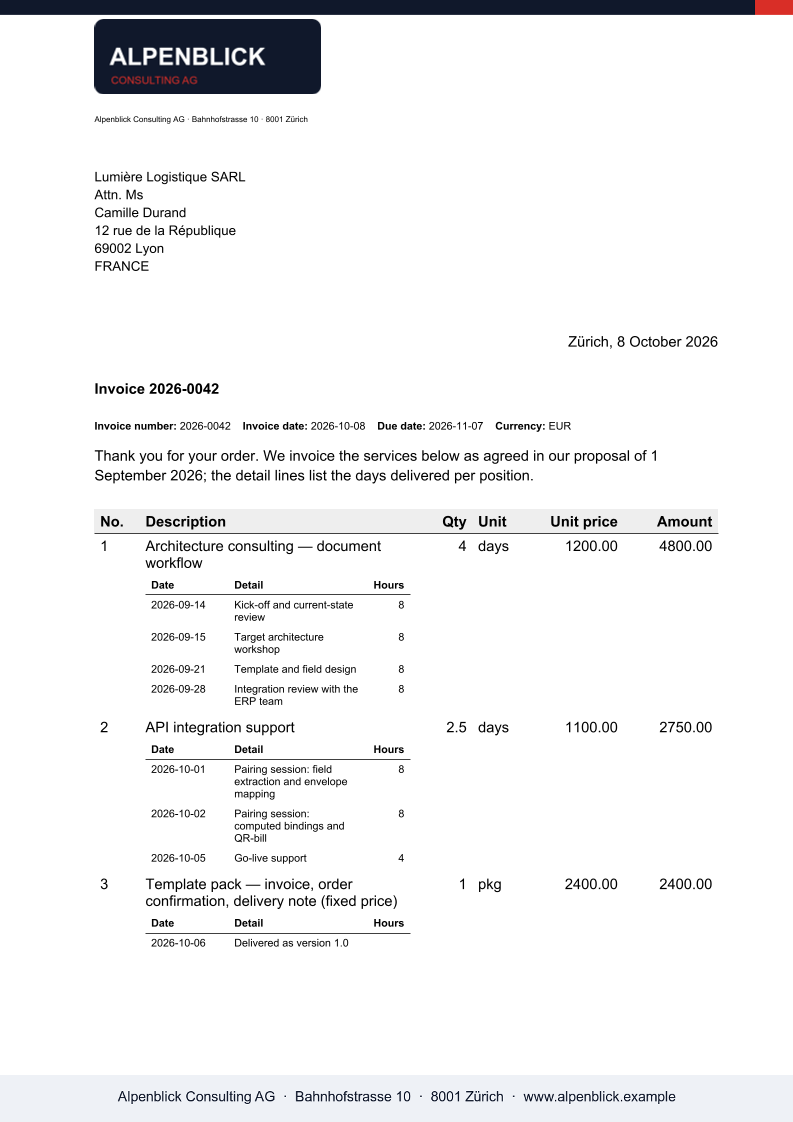
The DOCX keeps the template's styles and the filled fields as plain text; the Swiss QR-bill slip is PDF-only and is reported as a warning on DOCX output.
Try it on your own template
Send us a Word file you use today. We render it with your data and return the PDF together with the adapted template, so your evaluation does not have to wait on us.
Request a demo